Is Your Neighbour's Security Camera a Risk to You?
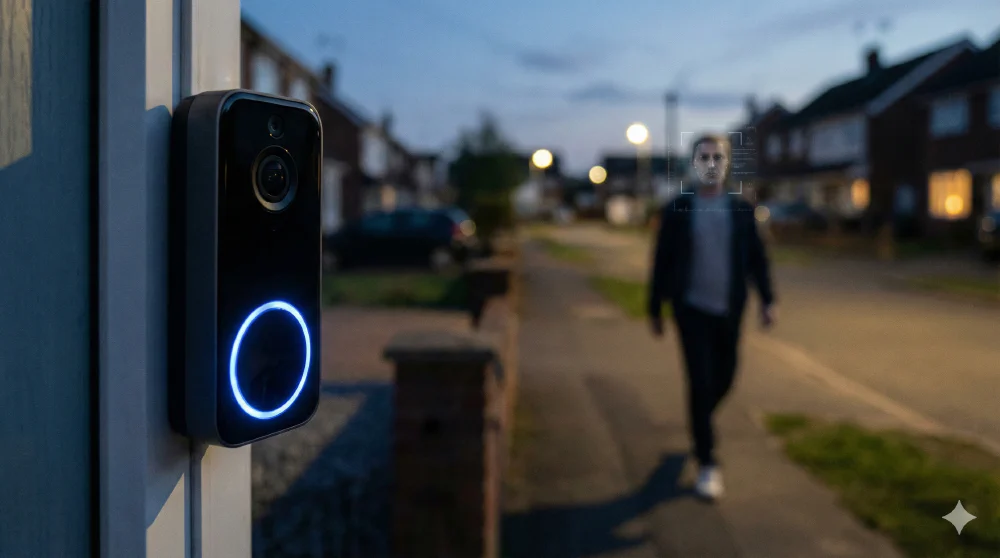
You probably don’t think twice about the little camera above your neighbour’s front door. It’s there to catch parcel thieves and keep an eye on things when they’re away, right? But what if that innocent-looking doorbell camera is quietly recording you, learning your routines, and — worst case — giving a bad actor a window into your daily life?
It’s a question worth asking, especially after Ring’s recent Super Bowl ad kicked off a proper storm about home surveillance.
The lost dog that started a privacy firestorm
Ring, the Amazon-owned home security brand, ran an advert during Super Bowl LX for a feature called “Search Party.” The pitch was heartwarming: upload a photo of your missing dog, and Ring’s network of cameras across the neighbourhood will use artificial intelligence (AI) to help spot it. A lovely idea on paper.
The backlash was immediate. Senator Ed Markey called it mass surveillance dressed up as a dog rescue. Privacy groups like the Electronic Frontier Foundation and the ACLU pointed out the obvious: if the technology can scan a neighbourhood for a specific dog, there’s very little stopping it from scanning for a specific person. Ring insists Search Party only works on dogs and that camera owners have to opt in, but critics aren’t buying it — particularly given Ring has also quietly launched a separate “Familiar Faces” feature that does use facial recognition on people.
Ring has since dropped its planned partnership with Flock Safety, a surveillance company used by thousands of police forces, following the public outcry. But the underlying technology — and the concerns — aren’t going anywhere.
What your neighbour’s camera actually captures
Most modern security cameras, whether they’re from Ring, Google Nest, or other brands, are surprisingly capable. They record in 2K or 4K resolution (that’s cinema-quality sharpness), they can tell the difference between a person, an animal, and a vehicle, and many of them have some form of face detection built in.
The real question is: where does all that footage go?
Some cameras process everything locally — the clever bits happen on the device itself, and the footage stays on a little memory card plugged into the camera. That’s the more privacy-friendly approach. But a lot of popular cameras send your footage up to “the cloud,” which is really just a polite way of saying it’s stored on somebody else’s computer, usually run by the camera manufacturer.
Once your footage is in the cloud, you’re trusting that company to keep it safe, not share it with anyone dodgy, and not use it for purposes you didn’t agree to. That trust hasn’t always been well placed. In 2023, the Federal Trade Commission in the US charged Ring with allowing employees to watch customers’ private videos — including footage from bedrooms and bathrooms — and failing to stop hackers from hijacking around 55,000 customer accounts. Ring paid $5.8 million in refunds as part of the settlement.
So when your neighbour’s camera catches you popping out to the car in your dressing gown, there’s a genuine question about who else might end up seeing that footage.
The security risk you hadn’t considered
Here’s where it gets properly uncomfortable. Home security cameras are, ironically, often one of the weakest points in a home network. They tend to sit on the same Wi-Fi network as everything else — your laptop, your phone, your online banking. Many don’t support the latest encryption standards, and plenty of owners never change the default password. If you’ve read my post on the power of compartmentalisation, you’ll know why mixing everything onto one network is a recipe for disaster.
For someone with bad intentions, a poorly secured camera becomes a way in. An attacker could hack into a neighbour’s camera, monitor your comings and goings for a week or two, learn when you leave for work, when the dog walker arrives, when the house is empty — and then time a break-in perfectly. If they know you’re a high-value target, that homework is absolutely worth it to them.
It doesn’t even require particularly sophisticated skills. Leaked credentials for thousands of Ring cameras have been found dumped on the open web, ready for anyone to use.
What can you actually do about it?
The honest answer is: not as much as you’d like.
If you spot a camera pointing towards your property, the most effective thing you can do is have a friendly conversation with your neighbour. Ask them to adjust the camera angle so it doesn’t cover your side of the road, or to set up “activity zones” in their camera’s app — a feature most brands offer that limits recording to specific areas like their own driveway.
Be aware, though, that these software settings can be overridden. The only truly reliable fix is physically changing the camera angle so your property simply isn’t in the frame.
I’ve had this exact conversation with my own neighbour. We’ve both got cameras, and we’ve talked openly about what they cover. In fact, I’ve considered giving him access to my external cameras so he can keep an eye on things when I’m on holiday, and vice versa. When you’ve got that kind of trust and openness, cameras become a genuine community benefit rather than a privacy concern.
If the relationship isn’t quite so cosy, you could theoretically go down the legal route — in the UK, cameras that capture areas beyond someone’s own property may fall under data protection rules — but it’s costly, drawn out, and rarely worth it compared to a calm chat.
Protecting your own setup
If you’ve got security cameras of your own, there are a few practical steps to take.
Put your cameras (and any other smart home gadgets like smart TVs and printers) on a separate network. Most home routers have a “guest network” feature — it’s designed for visitors, but it works brilliantly for isolating your Internet of Things (IoT) devices. That way, if a camera gets compromised, the attacker can’t easily jump across to your main devices where you do your banking and emails. This is essentially defence in depth applied to your home network.
Beyond that, make sure you’re using a strong, unique password for your camera accounts (a password manager makes this painless), turn on two-factor authentication (where you need a code from your phone as well as your password to log in), and keep the firmware — the camera’s built-in software — up to date.
The bigger picture
We’re at an interesting crossroads. We clearly want the convenience that smart cameras bring — checking who’s at the door when we’re out, keeping an eye on the pets, knowing when a parcel arrives. The market is booming precisely because these things make daily life easier.
But every one of those cameras is also a data point in an ever-growing network of surveillance, and the companies behind them have repeatedly shown they can’t always be trusted to handle that data responsibly.
The Ring Super Bowl saga is a perfect example of how quickly a “helpful” feature can become something far more concerning. Today it’s finding lost dogs. Tomorrow? Well, that’s the question we should all be asking — of our camera brands, of our neighbours, and of ourselves.
What’s Your Experience?
Have you checked what data your smart home devices are collecting? Have you had the conversation with your neighbours about their cameras? Leave a comment below or reach out on social media.
If you’d like to talk through how to secure your home network and IoT devices properly, hit the “Let’s talk” button and book a free explorative call.

Axel Segebrecht is founder and director of Be Braver Ltd, a UK-based technology consultancy specialising in digital sovereignty, self-hosted infrastructure, and FOSS migration for European businesses.

Discussion